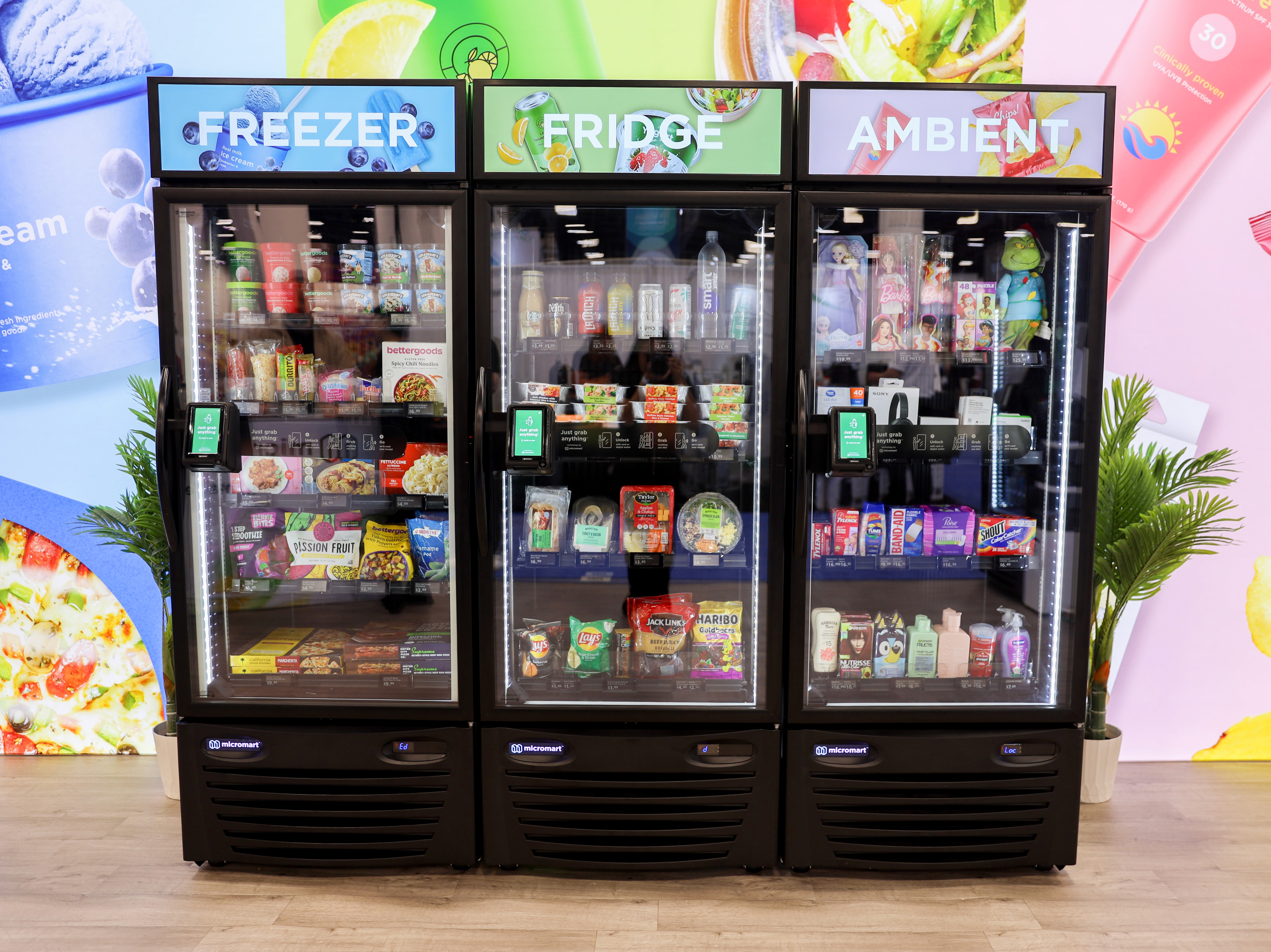
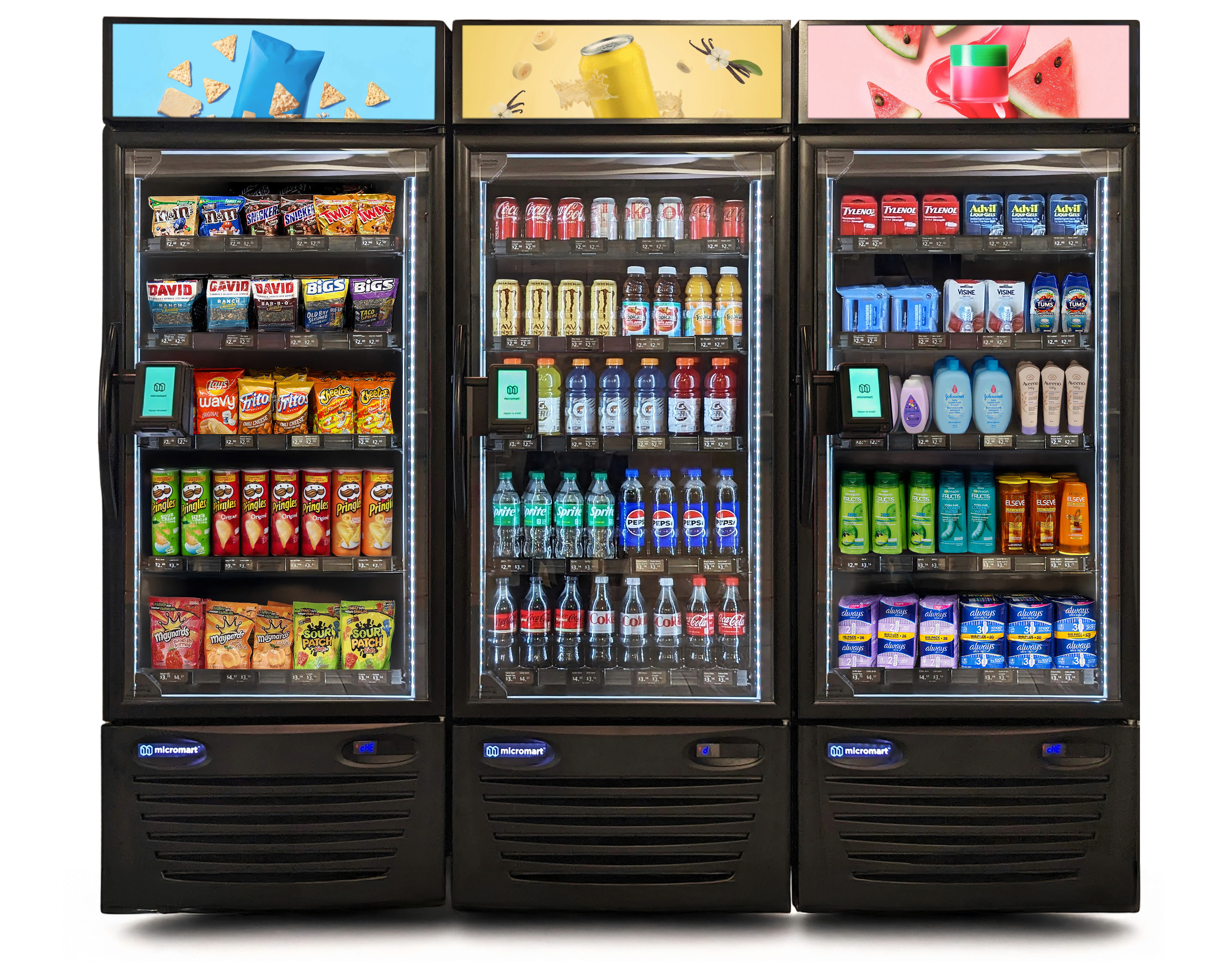
Power, Network and Layout Requirements for Smart Lobby Vending Machines
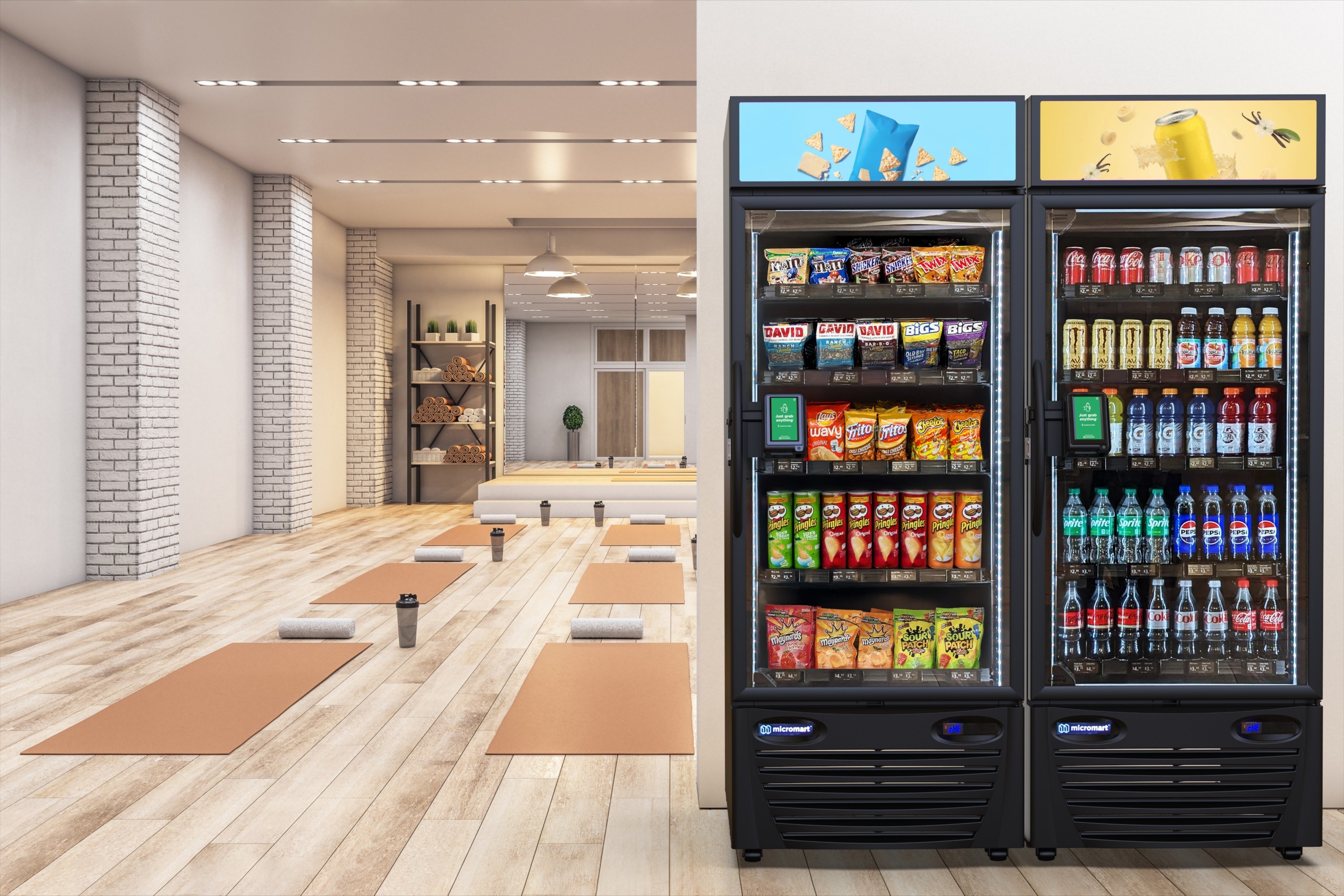
Smart lobby vending machines require 115V at 10-12A power, dual-SIM cellular networks for 99.9% uptime, and 3-6 inch ventilation clearance with ADA-compliant layouts. Proper setup slashes downtime by 70% via industry benchmarks. Measure spaces precisely, ban extension cords, and test signals pre-install. This ensures ultrafast transactions and reliable revenue from day one.
Struggling to install smart vending machines in your lobby without power outages, network glitches, or wasted space derailing your plans? This article breaks down the exact power, network, and layout requirements you need for seamless operation. Proper setup cuts downtime by 70%, per vending industry benchmarks, ensuring reliable revenue from day one.
Introduction to Smart Lobby Vending Machines
Smart vending machines are changing how we think about convenience in shared spaces. Whether it's a luxury apartment lobby or a busy office breakroom, these machines offer premium snacks and drinks without the hassle of a full cafeteria. But getting one installed isn't as simple as just plugging in a refrigerator.
Modern machines are sophisticated pieces of technology. They require specific electrical setups to run cooling systems and touchscreens simultaneously. They need reliable internet connections to process payments and track inventory in real-time. And physically, they need the right amount of space to operate safely. If you ignore these basics, you end up with a machine that's constantly out of order or, worse, a safety hazard.
What Are Power, Network, and Layout Requirements?
Before you order a machine, you need to understand the infrastructure that supports it. These requirements are the "invisible" foundation of a successful amenity program. If you get them right, the machine runs quietly in the background. If you get them wrong, you face constant maintenance tickets.
Power requirements dictate the voltage and amperage needed to run components like compressors, heaters, and computers without tripping breakers. Network requirements ensure the machine can talk to the cloud for credit card processing and restocking alerts. Finally, layout requirements cover the physical footprint, including ventilation space and accessibility compliance. These three pillars determine if your location is actually ready for smart retail.
Power Requirements Explained
Smart vending machines are more complex than standard appliances. They aren't just cooling drinks; they are powering industrial computers, bright LED displays, and sometimes robotic arms. A standard setup usually involves an industrial computer drawing 5-15W, a display screen using 7-55W, and LED lighting at 10-20W.
The heavy lifters are the cooling systems (200-300W) and heaters (300W). Because of this load, stability is key. Most machines in the US run on standard 115 volts at 10-12 amps. You cannot simply guess the capacity of your circuit. If the voltage drops or fluctuates, it can damage the internal computer or cause the payment system to fail, leaving residents frustrated.
Outlet Placement and Backup Power Options
You need a regular three-prong electrical outlet, but placement matters. The outlet should be directly behind or immediately adjacent to the machine. Extension cords are strictly prohibited because they are a known fire hazard.
For advanced setups, you might need two dedicated power outlets:
One for the technology and dry compartment (0.5A 115V AC)
One for the refrigerated compartment (1.6A 115V AC)
This separation ensures that if the compressor spikes, it doesn't cut power to the payment computer.
Energy Efficiency and Load Calculations
Modern smart vending is surprisingly efficient. A typical room-temperature setup with a 7-inch screen consumes about 20-40W total. In terms of daily usage, this translates to roughly 1-2 kWh per day.
However, size impacts consumption. A small model might use 106 Wh/h, while a large unit can use up to 929 kWh yearly. It is smart to budget for this electrical load, even though it is generally lower than older, non-smart vending machines.
Network Requirements for Seamless Operation
A smart machine without a connection is just a locked box. Connectivity is the lifeline of modern vending. It handles everything from processing credit card transactions to telling the operator that the machine is out of Diet Coke.
Most smart vending solutions rely on cellular networks rather than building Wi-Fi. This avoids the headache of logging into secure corporate networks or dealing with firewall issues. A strong cellular signal at the installation spot is often more important than an Ethernet port. If the machine can't "phone home," it can't take payments, and it becomes useless to your tenants.
Connectivity Types: Wi-Fi vs. Ethernet
While Wi-Fi is common, it is often unstable in lobbies or basements. Ethernet is reliable but requires expensive cabling. The industry standard solution is often an Optconnect dual SIM cellular router.
This device is hard-lined to the machine's PC and card reader. It uses two different cellular carriers (like Verizon and AT&T) simultaneously. If one network goes down, the other takes over, ensuring the machine stays online without touching your building's internal internet infrastructure.
Bandwidth Demands and Data Security
Smart machines don't stream video, so they don't need massive bandwidth. They transmit small packets of data: transaction approvals, inventory logs, and error codes.
However, security is non-negotiable. The connection must support secure protocols like MDB, DEX, and RS232. Since these machines process credit cards, the data transmission must be encrypted and separate from your building's public Wi-Fi to maintain PCI compliance and protect user data.
Firewall and Network Configuration Essentials
If you do choose to use a building's local network instead of cellular, configuration gets tricky. You will likely need to whitelist specific MAC addresses and open specific ports for outgoing traffic.
Network administrators often block unknown devices by default. To avoid installation delays, the machine's communication protocols must be cleared through the firewall before delivery. This is why the dual SIM cellular option is usually preferred—it bypasses local network security policies entirely.
Layout Requirements for Optimal Performance
You can't just shove a vending machine into a dark corner. The physical layout determines how often people use the machine and how easy it is to service. A good layout considers visibility, traffic flow, and technical clearance.
Placement also affects security. The area should be secure to prevent tampering, but open enough that people feel comfortable browsing. You also need to account for the door swing. If a customer opens the machine door and it hits a wall, it creates a poor experience and can damage the hardware.
High-Traffic Placement Strategies
The best machine in the world won't make money if no one sees it. You want to place machines in "pause points"—areas where people naturally stop or wait.
Lobbies and Waiting Areas: Capture foot traffic entering or leaving.
Breakrooms: The classic spot for employees.
Near Elevators: High visibility for residents.
Ensure the machine doesn't block hallways or fire exits. It should be inviting, well-lit, and visible from a distance.
ADA Compliance and Safety Considerations
Accessibility is a legal requirement, not just a nice-to-have. Controls and products must be reachable for individuals in wheelchairs. This generally means payment terminals and product retrieval areas must be within specific height ranges (often below 48 inches).
Safety also involves ventilation. Machines with refrigerators need space behind them (usually 3-6 inches) to vent hot air. Without this clearance, the compressor overheats, leading to failure.
How These Requirements Enable Smart Vending Functionality
When you meet these power, network, and layout standards, you unlock the real potential of smart vending. It stops being a passive box and becomes an active retail point.
Stable power and fast networks allow for 14-second ultrafast transactions. Advanced units use X-Y robot arms and elevators to dispense fragile items without dropping them. On the backend, built-in smart sensors integrated with the Shopify API manage products automatically. This means the machine knows exactly what sold and when, allowing for precise restocking trips. This efficiency is impossible without the right infrastructure.
Best Practices for Meeting Requirements
Getting the site ready is a process. It saves time and money to handle these logistics before the delivery truck arrives. The goal is a "plug and play" experience on installation day.
Start by treating the installation like a small construction project. Identify the stakeholders—your facilities manager, your IT director, and the vending operator. Clear communication between these groups prevents the classic scenario where the machine arrives, but the outlet is dead or the Wi-Fi password is missing.
Site Surveys and Pre-Installation Checks
Always conduct a physical walkthrough. Don't rely on floor plans, as they often don't show recent renovations or moved furniture.
Check signal strength: Use a phone to test cellular reception at the exact spot.
Measure twice: Confirm the width of the narrowest doorway the machine must pass through.
Verify power: Plug a lamp into the intended outlet to ensure it works and isn't on a switched circuit.
Coordination with Installers
Your vending partner needs to know what they are walking into. Send them photos of the space, the outlet, and the path from the loading dock.
If you need to install a new outlet, schedule the electrician at least a week before the machine delivery. Confirm with the installers if they need a freight elevator and reserve it for the delivery window.
Ongoing Monitoring and Maintenance
Once installed, the work isn't quite done. You need to monitor the environment. Ensure cleaning crews don't unplug the machine to vacuum. Watch for new furniture that might block ventilation.
Modern Amenities handles the machine internals, but the facility manager ensures the environment stays compliant. If the internet signal degrades or a breaker starts tripping, report it immediately to prevent downtime.
Common Mistakes to Avoid
Even experienced facility managers make simple errors that delay installation or cause long-term issues. Most of these are easily preventable with a little foresight.
The biggest issues usually stem from cutting corners on power or assuming "wireless" means "magic." If you respect the hardware requirements, the hardware will work reliable for years.
Power Supply Oversights
The most dangerous mistake is using extension cords. They are not designed for the constant load of a vending compressor.
Another oversight is putting the machine on a circuit shared with other high-draw appliances, like microwaves or copiers. This leads to nuisance tripping.
Network Connectivity Failures
Don't assume your basement breakroom has a cellular signal. Metal and concrete block signals effectively. If you place a smart machine in a "dead zone" without testing, it cannot process credit cards.
Also, avoid changing network passwords without telling the vending operator. If the machine relies on local Wi-Fi and you update the credentials, the machine goes dark immediately.
Layout Planning Errors
A common error is forgetting the door swing. You might measure the machine's width but forget that the door needs to open 90 degrees or more for restocking. If placed too close to a side wall, the operator can't refill the shelves.
Another mistake is placing machines in direct sunlight. This forces the cooling system to work overtime, increasing energy bills and shortening the lifespan of the compressor.
Partner with Modern Amenities for Hassle-Free Setup
Navigating voltage specs and network protocols can feel overwhelming, but you don't have to do it alone. Modern Amenities specializes in handling these technical details so you don't have to.
We provide a fully managed service. We conduct the site assessments, coordinate the logistics, and ensure your space is perfectly prepped for installation. Our model is hands-off for you and operates on a revenue-sharing basis with no upfront costs. You provide the space and power; we handle the technology, stocking, and maintenance.
If you are ready to upgrade your building with smart retail, contact Modern Amenities today. We'll help you verify your requirements and get the right machine installed quickly and correctly.
Frequently Asked Questions
How much clearance is needed around a smart lobby vending machine for ventilation?
Allow 3-6 inches of space behind the machine for proper airflow to prevent compressor overheating. Side clearance of 12-24 inches ensures easy door access for restocking and maintenance.
What cellular signal strength is required for smart vending machines?
Aim for at least -85 dBm RSSI for reliable operation, as weaker signals cause payment failures. Test with a smartphone app at the exact location before installation.
Can smart vending machines share a circuit with other appliances?
No, use a dedicated 10-12A, 115V circuit to avoid breaker trips from compressor surges. Sharing with microwaves or copiers causes frequent outages.
How do you check if a location meets ADA compliance for vending machines?
Ensure payment terminals and retrieval bins are 15-48 inches high, with 30x48-inch clear floor space in front. Verify wheelchair turning radius of 60 inches.
What is the typical installation timeline after site approval?
Installation takes 2-4 hours once power, network, and layout are verified. Schedule electrician work 1 week prior and reserve freight elevators for delivery.